
In an era where time is the most valuable resource, professionals and businesses are constantly seeking ways to work smarter, not harder. One of the most transformative solutions emerging today is Artificial Intelligence. From automating repetitive tasks to accelerating decision-making, AI is redefining productivity.
Understanding how AI assistants save time is no longer a luxury—it is a necessity for anyone aiming to stay competitive. Whether you are an entrepreneur, a corporate professional, or a student, AI-powered tools can help you reclaim 10+ hours every week by streamlining your workflow.
This comprehensive guide by TechWave Digest explores how AI assistants are revolutionizing time management, highlights the best AI productivity tools, and provides actionable strategies to integrate AI into your daily life.
What Does “How AI Assistants Save Time” Really Mean?
AI assistants are software systems designed to perform tasks that traditionally required human effort. These tools leverage machine learning, natural language processing, and automation to handle:
- Writing and communication
- Scheduling and planning
- Data analysis
- Research and summarization
- Task management and reminders
Instead of manually completing every step, AI allows users to delegate routine work to intelligent systems.
The result:
Less manual effort + faster execution = significant time savings
Why It Matters: The Real Impact of AI Productivity Tools
AI is not just about convenience—it’s about transformation.
1. Time Efficiency at Scale
Tasks that once took hours—writing emails, preparing reports, analyzing data—can now be completed in minutes.
2. Reduced Decision Fatigue
AI tools prioritize tasks, suggest schedules, and provide recommendations, helping users focus on what matters most.
3. Increased Output
By automating routine work, individuals can handle more responsibilities without burnout.
4. Competitive Advantage
Professionals using AI tools to save time at work consistently outperform those relying on manual processes.
5. Workflow Automation
From marketing to operations, AI automation for daily tasks ensures consistency and speed.
Top AI Assistants That Save You 10+ Hours Weekly
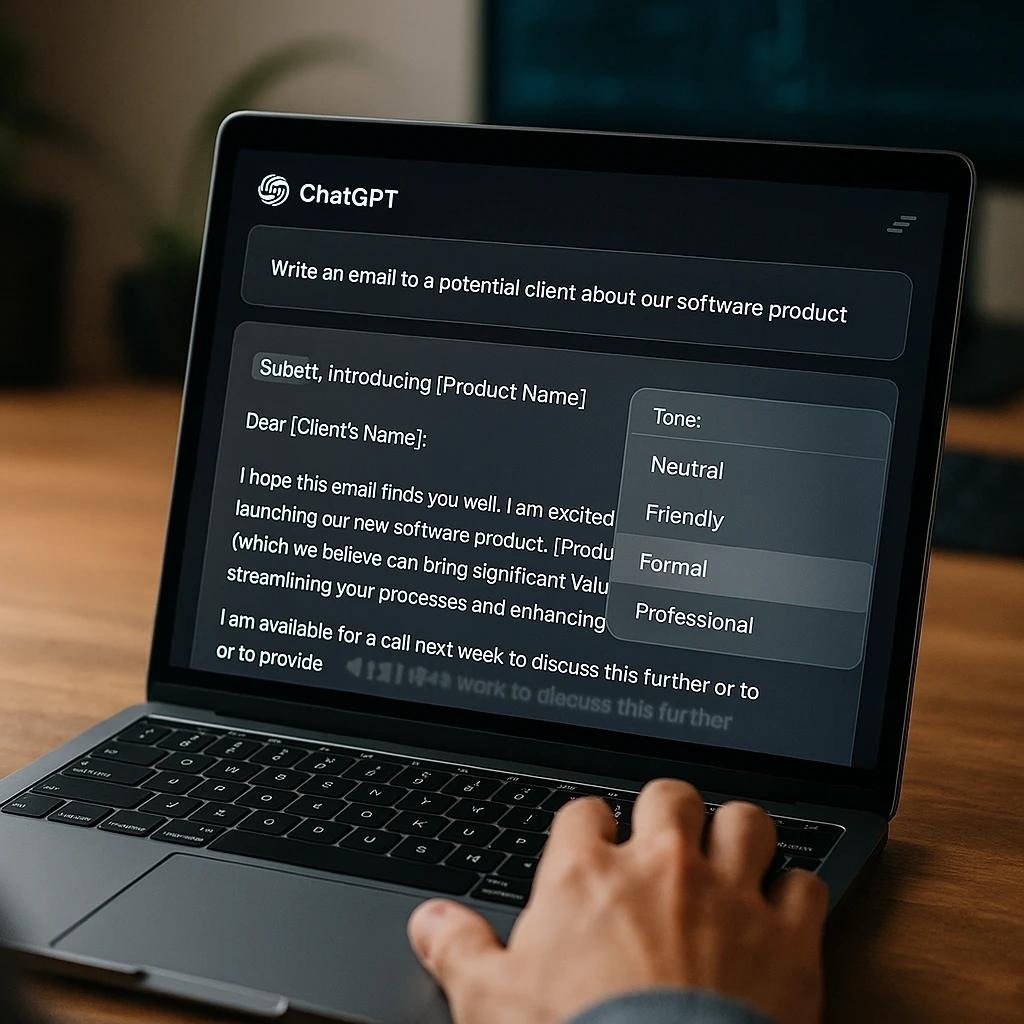
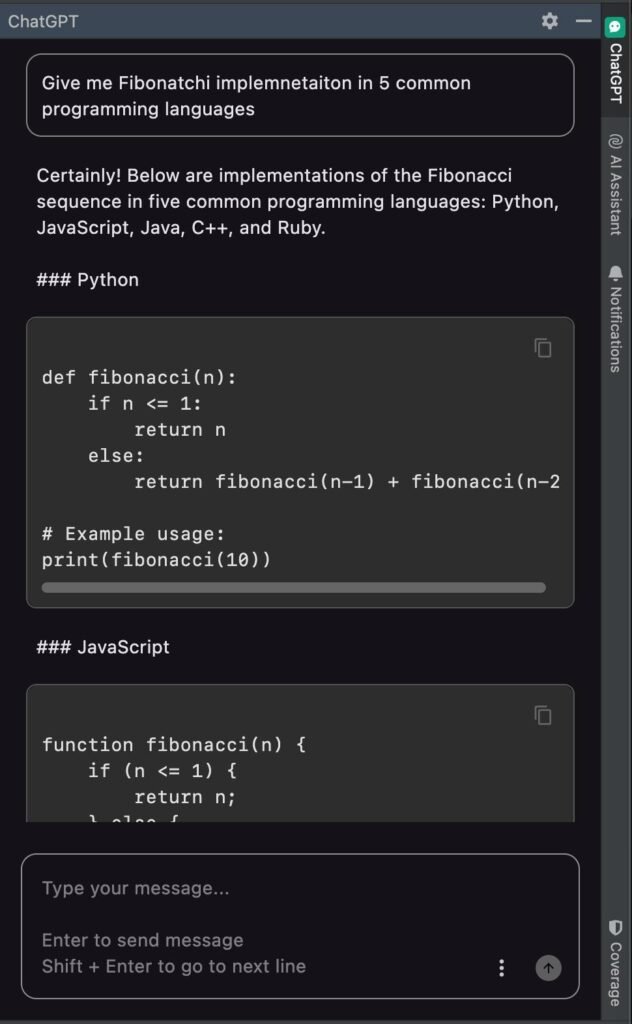
1. ChatGPT — The All-in-One Productivity Engine

7
ChatGPT is one of the most powerful AI productivity tools available today. It functions as a multi-purpose assistant capable of handling writing, strategy, coding, and automation.
How It Saves Time:
- Drafts emails and documents instantly
- Generates business ideas and strategies
- Automates content creation
- Assists with coding and technical tasks
Weekly Time Saved:
4–6 hours
Best For:
- Entrepreneurs
- Content creators
- Business professionals
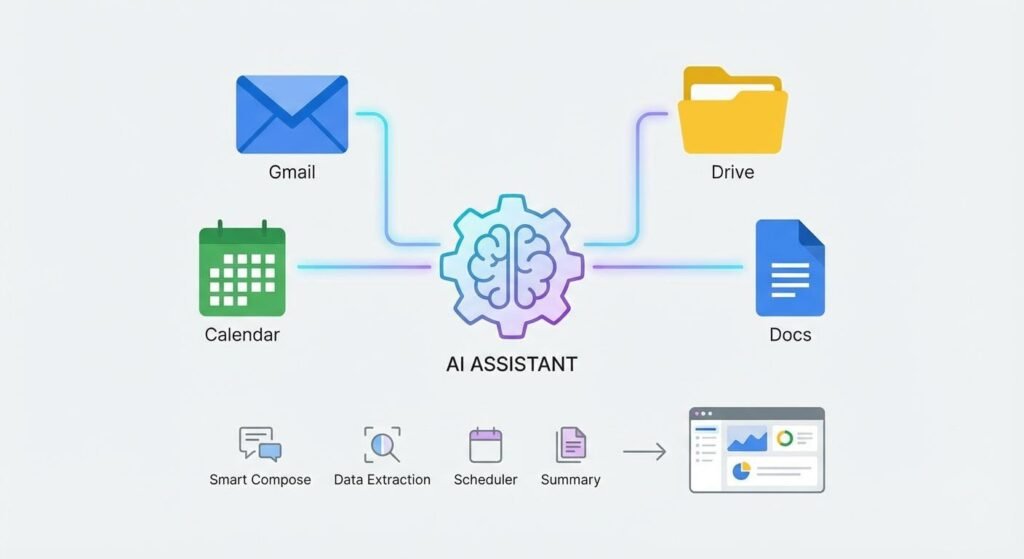
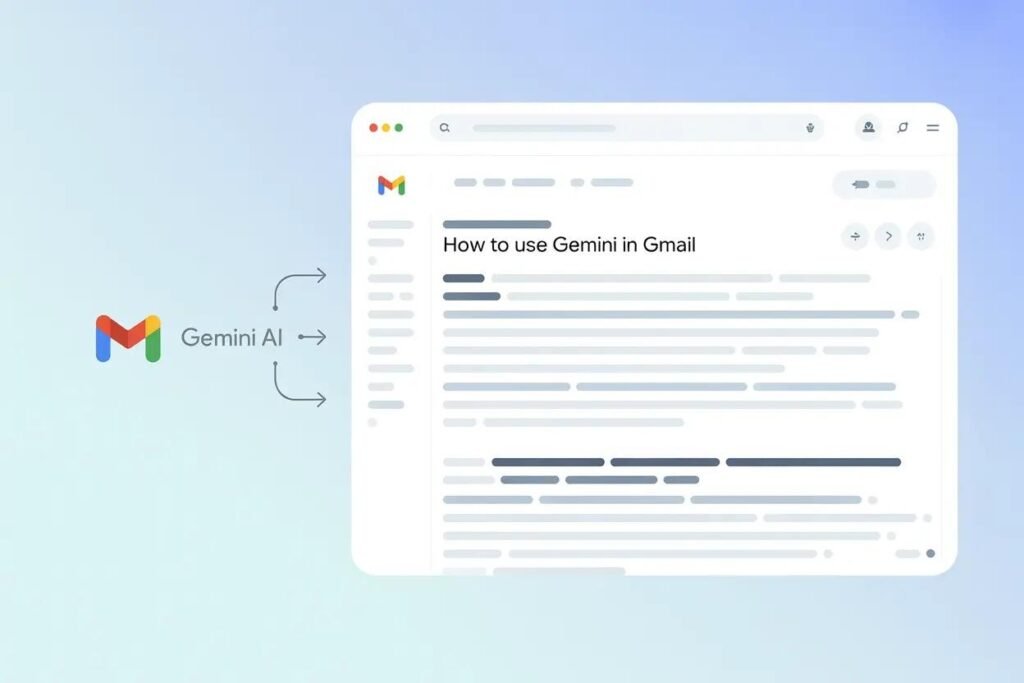
2. Google Gemini — Real-Time Research & Workflow Automation
6
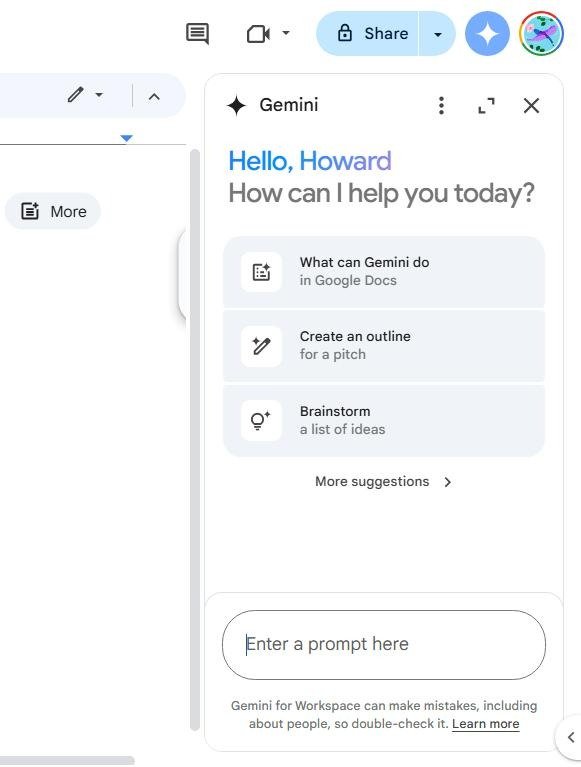
Gemini excels in handling communication and research tasks within the Google ecosystem.
How It Saves Time:
- Summarizes emails and documents
- Automates responses in Gmail
- Analyzes spreadsheets quickly
- Provides real-time research insights
Weekly Time Saved:
2–4 hours
Best For:
- Office professionals
- Researchers
- Teams using Google Workspace
3. Microsoft Copilot — Business Automation Powerhouse

5
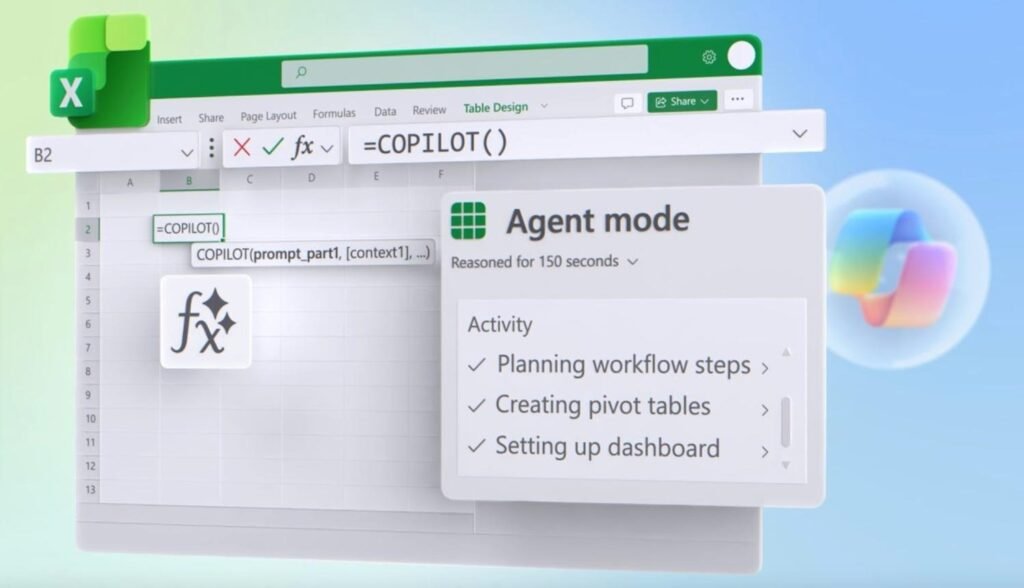
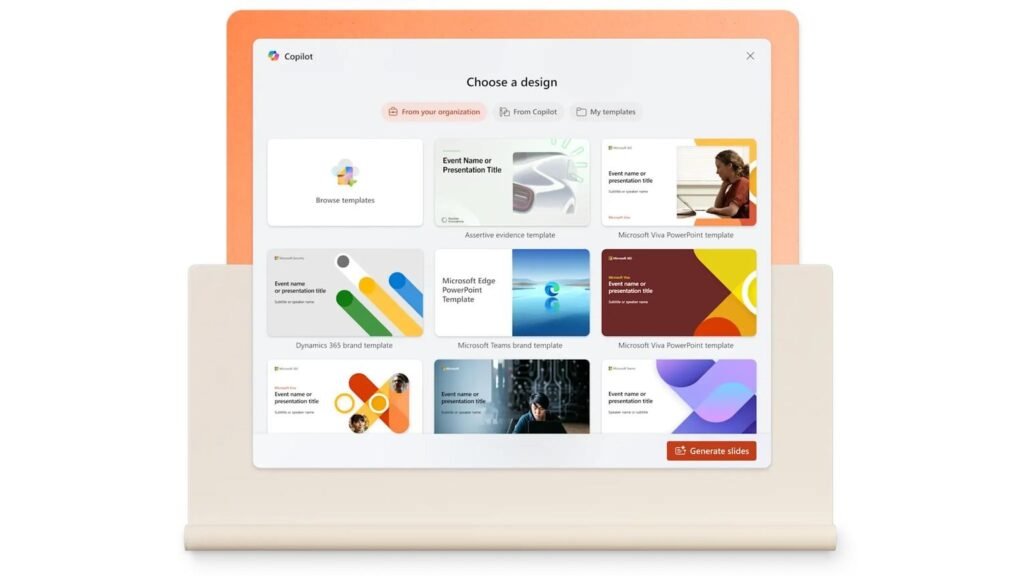
Microsoft Copilot integrates AI directly into Word, Excel, PowerPoint, and Teams.
How It Saves Time:
- Creates presentations automatically
- Analyzes financial data in Excel
- Summarizes meetings
- Automates reports
Weekly Time Saved:
2–3 hours
Best For:
- Corporate professionals
- Financial analysts
- Managers
4. Motion — AI Scheduling & Task Automation

6
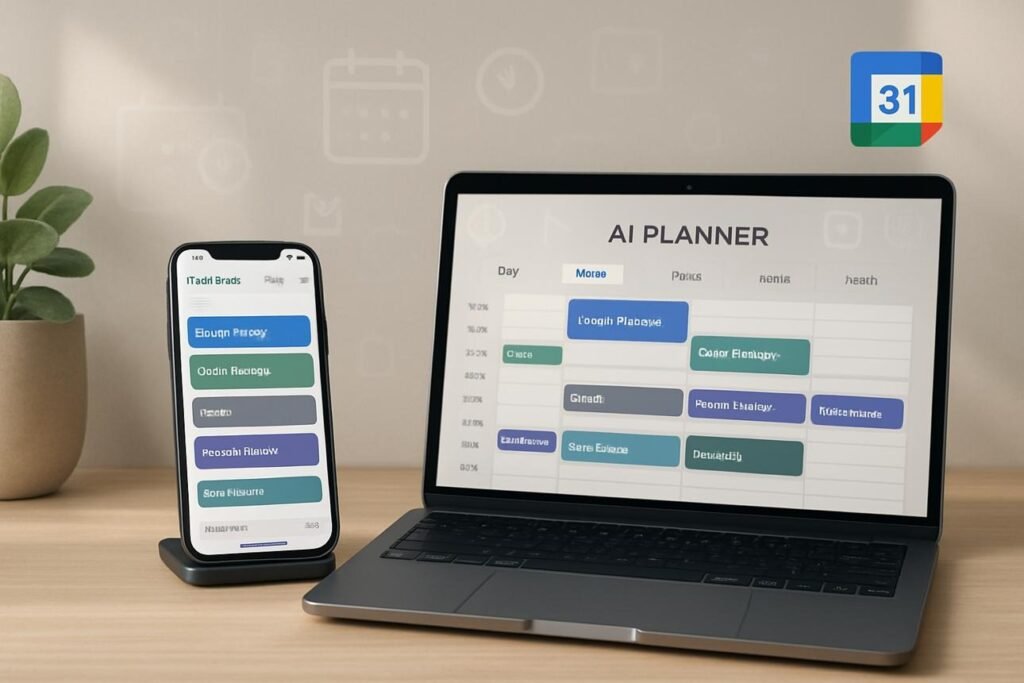
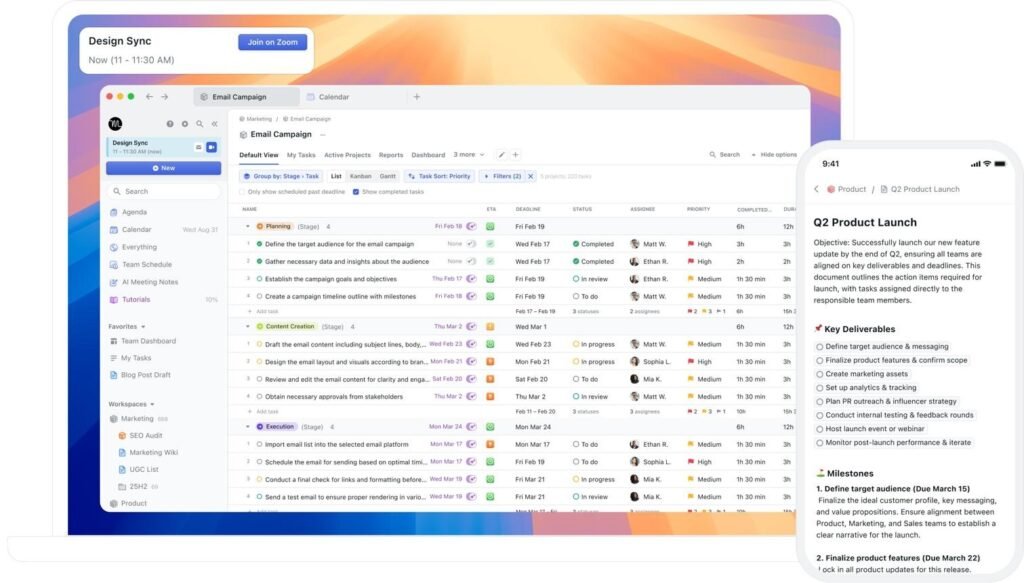
Motion removes the burden of planning by automatically scheduling your tasks.
How It Saves Time:
- Plans your entire day automatically
- Adjusts schedules in real-time
- Prioritizes tasks intelligently
Weekly Time Saved:
1–2 hours
Best For:
- Busy professionals
- Entrepreneurs managing multiple projects
5. Notion AI — Centralized Productivity System

6
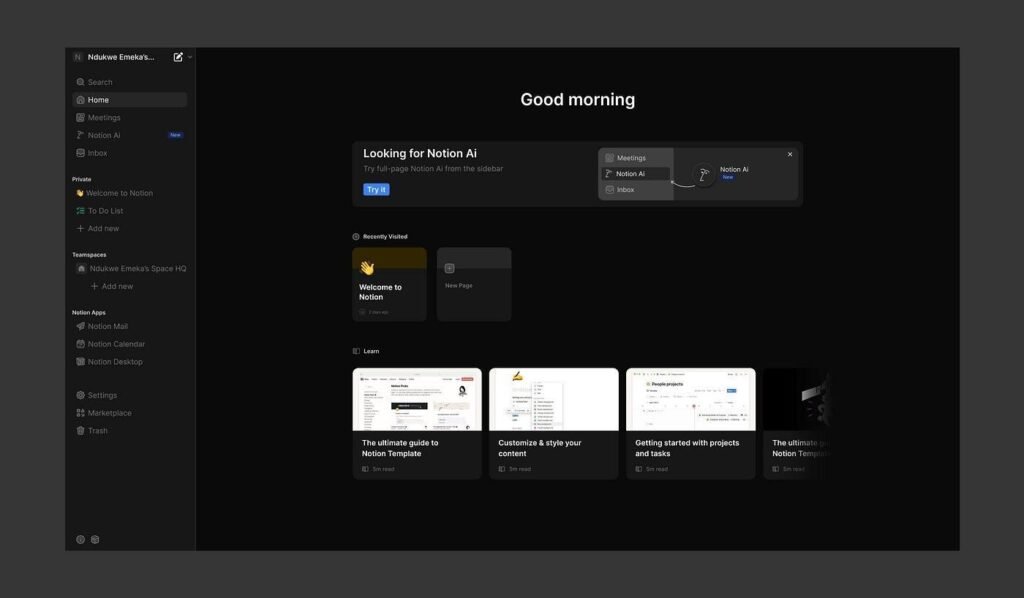
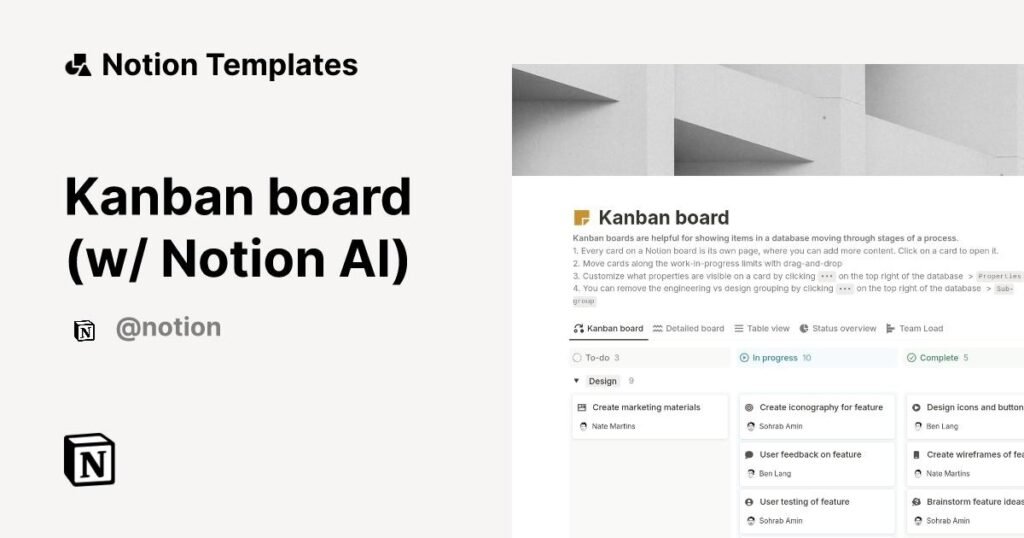
Notion AI combines notes, tasks, and workflows into one platform.
How It Saves Time:
- Centralizes information
- Automates writing and summaries
- Organizes projects efficiently
Weekly Time Saved:
1–2 hours
Best For:
- Creators
- Startups
- Knowledge workers
Comparison Table: Best AI Assistants for Productivity
| Tool | Primary Strength | Weekly Time Saved | Best Use Case |
| ChatGPT | All-in-one productivity | 4–6 hours | Writing, strategy, automation |
| Gemini | Research & communication | 2–4 hours | Emails, docs, research |
| Copilot | Business automation | 2–3 hours | Data, presentations |
| Motion | Scheduling | 1–2 hours | Task planning |
| Notion AI | Organization | 1–2 hours | Workflow management |
How to Choose the Right AI Assistant
Choosing the right assistant depends on your workflow:
Choose ChatGPT if:
- You need a versatile assistant
- You create content or run a business
Choose Gemini if:
- You use Gmail, Docs, and Sheets daily
- You need fast research
Choose Copilot if:
- You work in a Microsoft environment
- You handle data and presentations
Choose Motion if:
- You struggle with time management
Choose Notion AI if:
- You want an all-in-one organization system
Internal Linking Suggestions (For Your Site)
To boost SEO on TechWaveDigest, link this article to:
- “Best AI Personal Assistants in 2026”
- “Top AI Tools for Life Organization”
- “AI Productivity Tools for Business Owners”
- “AI Automation Tools You Should Know”
Monetization Opportunities (Affiliate Strategy)
You can monetize this article by promoting:
- ChatGPT Plus
- Notion AI subscription
- Motion app subscription
- Productivity tool bundles
Add affiliate links under each tool section:
“Try [Tool Name] here”
Use Cases: Who Benefits the Most?
Entrepreneurs
- Automate operations
- Scale faster
Professionals
- Reduce workload
- Improve efficiency
Students
- Save time on research and assignments
Creators
- Generate content faster
- Manage workflows
FAQs: How AI Assistants Save Time
1. How do AI assistants save time?
They automate repetitive tasks, generate content, and optimize workflows.
2. What are the best AI productivity tools?
ChatGPT, Gemini, Copilot, Motion, and Notion AI.
3. Can AI really save 10+ hours per week?
Yes. Combined use of tools can easily save 10–15 hours weekly.
4. Are AI tools difficult to use?
No. Most tools are beginner-friendly.
5. Is it worth paying for AI tools?
Yes. The time saved often outweighs the cost.
6. Can AI replace human work?
AI enhances productivity but does not fully replace human creativity and decision-making.
Future Trends: AI and Time Optimization
The future of AI assistants will include:
- Fully automated workflows
- Voice-controlled task management
- Predictive scheduling
- Integration across all apps
AI will evolve from assistant → autonomous operator
Conclusion — TechWave Digest Team
The rapid advancement of AI has fundamentally changed how work is performed. Understanding how AI assistants save time provides a powerful opportunity to improve productivity and efficiency across all aspects of life.
Tools like ChatGPT, Google Gemini, Microsoft Copilot, Motion, and Notion AI demonstrate how automation, intelligence, and integration can significantly reduce manual effort.
Rather than replacing human capability, these tools amplify it—enabling individuals and organizations to achieve more in less time.
As the demand for efficiency continues to grow, adopting AI productivity tools is no longer optional. Those who leverage these technologies effectively will gain a substantial advantage in both personal and professional domains.
Curated based on in-depth research, real-world usability, and evolving AI market trends by the TechWave Digest Research Team.
SEO Optimization (Bonus)
- Meta Title:
How AI Assistants Save You 10+ Hours Weekly (Top AI Tools 2026)
How to use it:
In WordPress (or your blog platform):
- Go to your article
- Scroll to SEO section (RankMath / Yoast plugin)
- Paste it in “Meta Title” field
- Meta Description:
Discover how AI assistants save time and boost productivity. Explore the best AI tools to save 10+ hours weekly in work and daily life.
How to use it:
Same place:
WordPress → SEO plugin → “Meta Description”
- URL Slug:
/how-ai-assistants-save-time
How to use it:
When creating post:
Change permalink to:
how-ai-assistants-save-time